Learn how to play audio in Flutter using the audioplayers package. This step-by-step guide covers playing audio from assets and network URLs, controlling playback, looping, volume management, and best practices for building real-world Flutter apps.
Anand
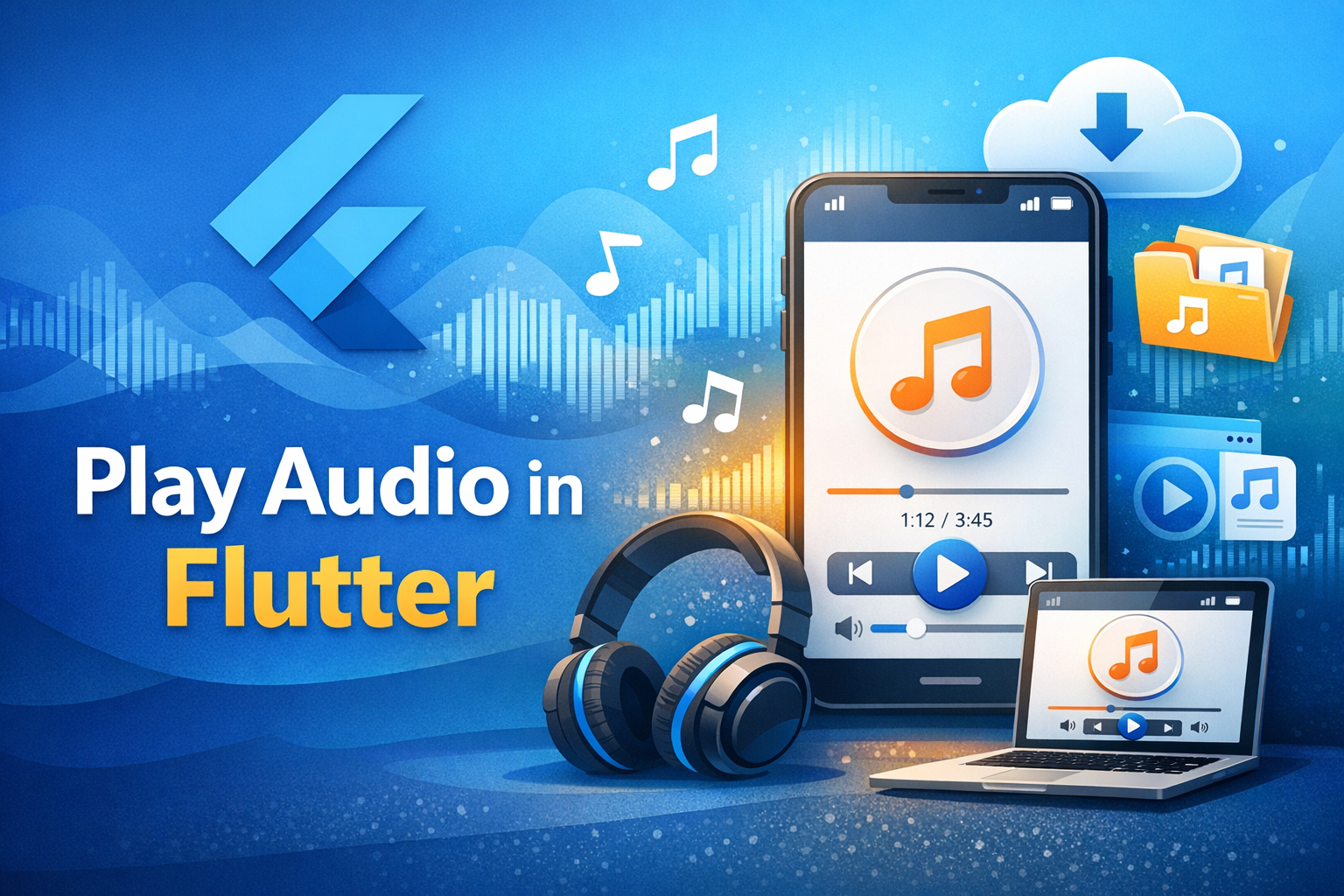
Playing audio is a very common requirement in mobile apps today. Whether you are building a music player, podcast app, meditation app, language learning app, or just want to play notification sounds, Flutter provides powerful and flexible ways to handle audio.
In this Flutter audio tutorial, you will learn:
How to play local and network audio files
Play, pause, stop, loop, and control volume
Handle audio lifecycle and background playback
Common errors and best practices
This guide is written for beginners as well as intermediate Flutter developers.
Why Audio Playback in Flutter Is Important
Audio enhances user engagement. Apps like Blinkit, Spotify, Audible, Duolingo, and YouTube rely heavily on audio for better user experience. Flutter makes cross‑platform audio playback easy using well‑maintained packages.
pubspec.yaml and add:dependencies:
audioplayers: ^6.5.1Then run:
flutter pub getCreate an AudioPlayer instance:
import 'package:audioplayers/audioplayers.dart';

final AudioPlayer audioPlayer = AudioPlayer();await audioPlayer.play(
UrlSource('https://example.com/audio.mp3'),
);assets/audio/sample.mp3flutter:
assets:
- assets/audio/sample.mp3Play asset audio
await audioPlayer.play(
AssetSource('audio/sample.mp3'),
);
Play, Pause, Stop Audio
await audioPlayer.pause(); // Pause
await audioPlayer.resume(); // Resume
await audioPlayer.stop(); // Stop
Loop Audio
await audioPlayer.setReleaseMode(ReleaseMode.loop);Common use cases:
Meditation apps
Background music
await audioPlayer.setVolume(0.5); // 0.0 to 1.0Listen to Audio State Changes
audioPlayer.onPlayerStateChanged.listen((state) {
print('Player State: $state');
});Always release resources to avoid memory leaks:
@override
void dispose() {
audioPlayer.dispose();
super.dispose();
}class AudioExample extends StatefulWidget {
@override
_AudioExampleState createState() => _AudioExampleState();
}
class _AudioExampleState extends State {
final AudioPlayer player = AudioPlayer();
@override
void dispose() {
player.dispose();
super.dispose();
}
@override
Widget build(BuildContext context) {
return Scaffold(
appBar: AppBar(title: Text('Flutter Audio Player')),
body: Center(
child: Column(
mainAxisAlignment: MainAxisAlignment.center,
children: [
ElevatedButton(
onPressed: () async {
await player.play(
AssetSource('audio/sample.mp3'),
);
},
child: Text('Play'),
),
ElevatedButton(
onPressed: () => player.pause(),
child: Text('Pause'),
),
ElevatedButton(
onPressed: () => player.stop(),
child: Text('Stop'),
),
],
),
),
);
}
} ✔ Check internet permission (Android)
✔ Verify asset path
✔ Run flutter clean
Playing audio in Flutter is easy and powerful with the right package. For most apps, audioplayers is the best choice. If you need advanced features like playlists or streaming, consider just_audio.
This guide gives you everything you need to play audio in Flutter professionally.
🚀 Happy Flutter Coding!
Passionate about creating amazing web experiences and sharing knowledge with the developer community.
Discover more insightful articles and tutorials to expand your knowledge
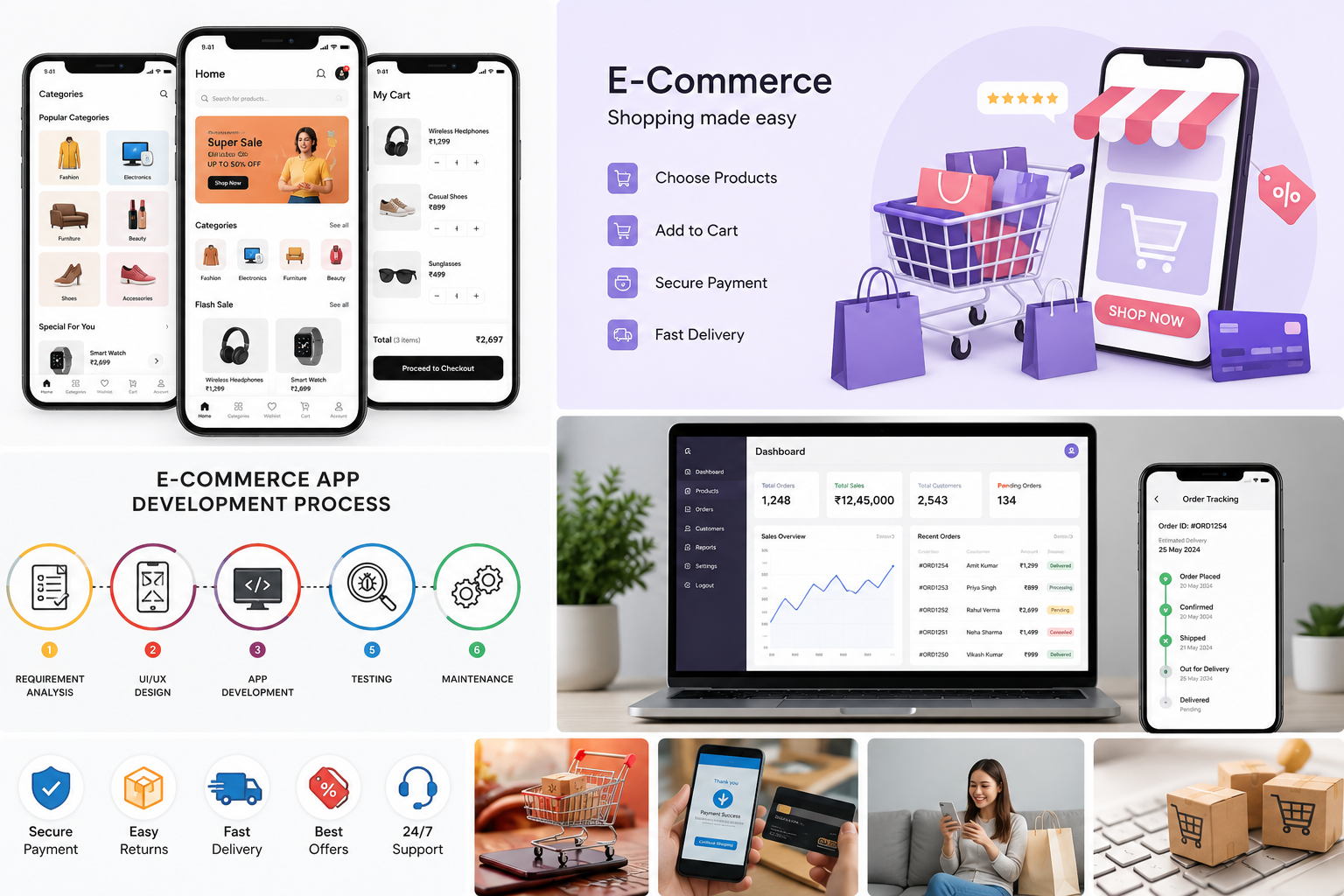
Looking for the best mobile app development service in Patna? Discover how Jbson Softwares builds high-performance, secure, and user-friendly Android & iOS apps to accelerate business growth. Get a free consultation today!
looking for ecommerce app development in Patna? Learn the benefits, essential features, development cost, and how to choose the right app development company for your business.
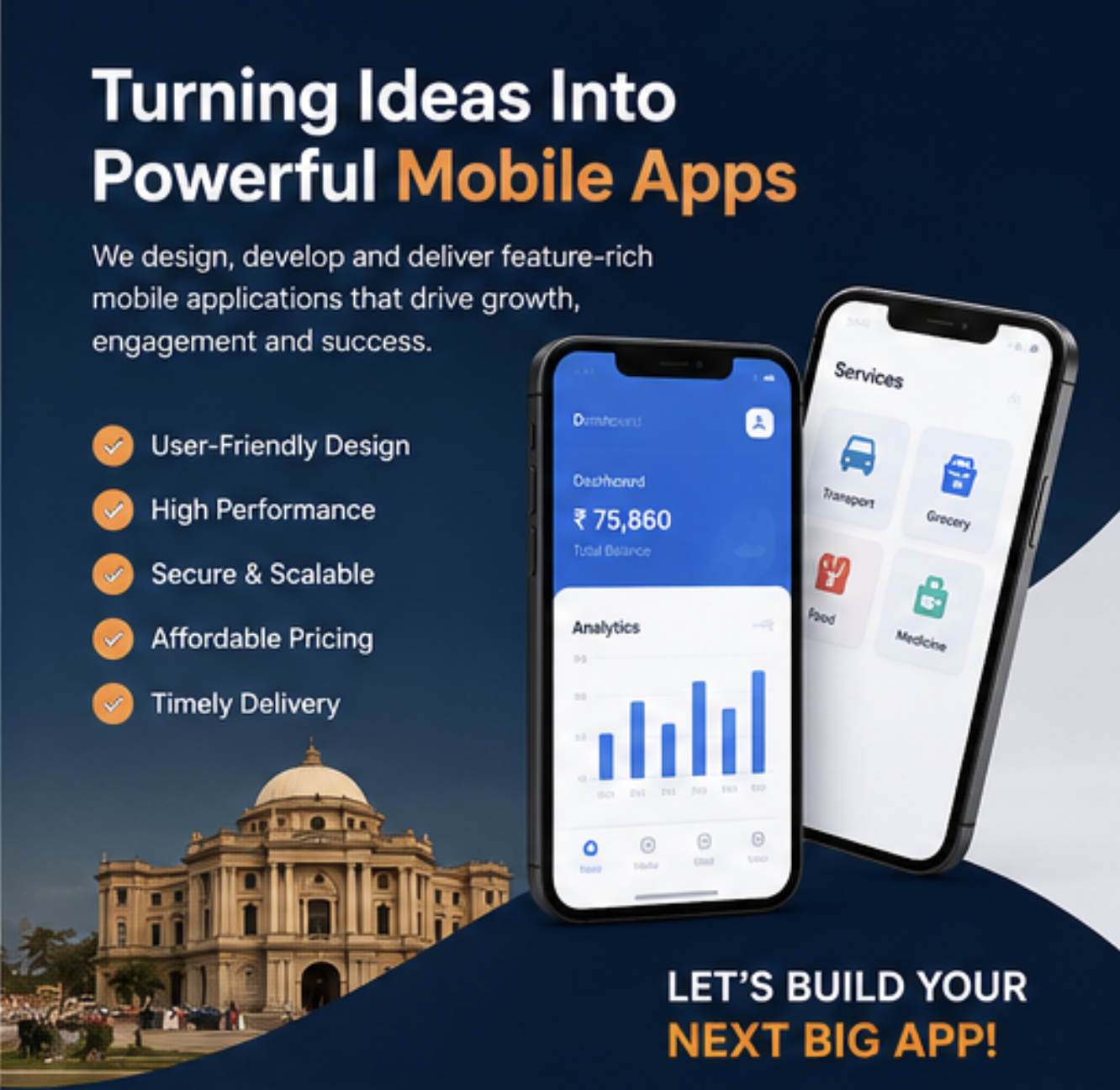
Looking for app development in Patna? Learn app costs, process, features, timelines, and how to choose the right mobile app development service provider like Jbson Softwares in Patna, Bihar.